Chaining Reflections (Last updated: 29 Aug 2020)
This feature is probably a niche feature but this is the idea behind
it. For some images it would create an interesting effect to take the
reflection and reflect that reflection a different direction (or even
the same direction). It can also happen that for some images doing this
more than once makes for another interesting effect.
So in the skin UI if you tick the box Chain
reflections a few
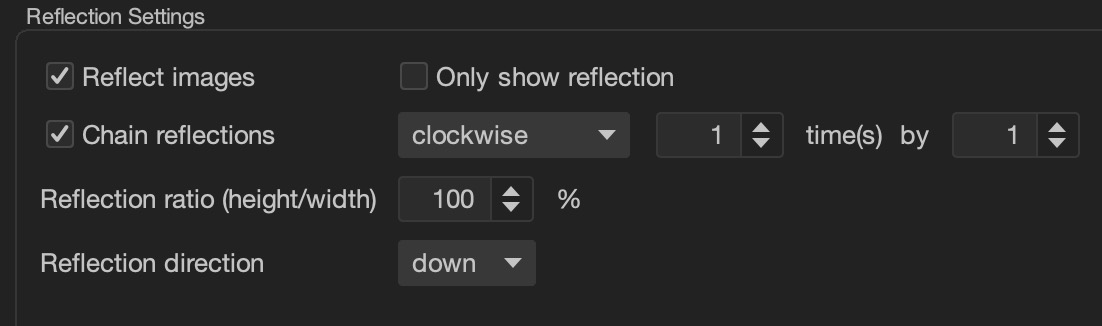
configuration settings will become active. This is what it looks like by
default:

As you can see it says: Chain reflections
(clockwise) [1] time(s) by [1]. You can change the clockwise
to anticlockwise, obviously, but what does it mean and what about the
other numbers?
Before I can explain the direction I need to explain the numbers. The
first number, the number of times, is how many times to chain the reflection filter:
1 - 7 allowed (but note that the higher the number the more memory
required and this is why I limited it to 7: it can cause Java to run out of
memory and fail).
The second number by 1 has a valid range of 0 -
3 and it is what matters when it comes to the direction. Assuming you're
reflecting DOWN and you chain 1 time clockwise by 1 direction the images
will be reflected DOWN and then the resultant image will be reflected again,
this time LEFT.
If you had selected 0 it would reflect DOWN twice; if you select 2
it'll be UP and 3 it'll be RIGHT.
The more times you do this the less interesting it can get (but not
necessarily). An example
album which has photos of Africa that my auntie and uncle took on I
think it was their 2009 holiday in Africa and fractals in the Julia Set
that I generated in June 2020 I think it was can be found
here.
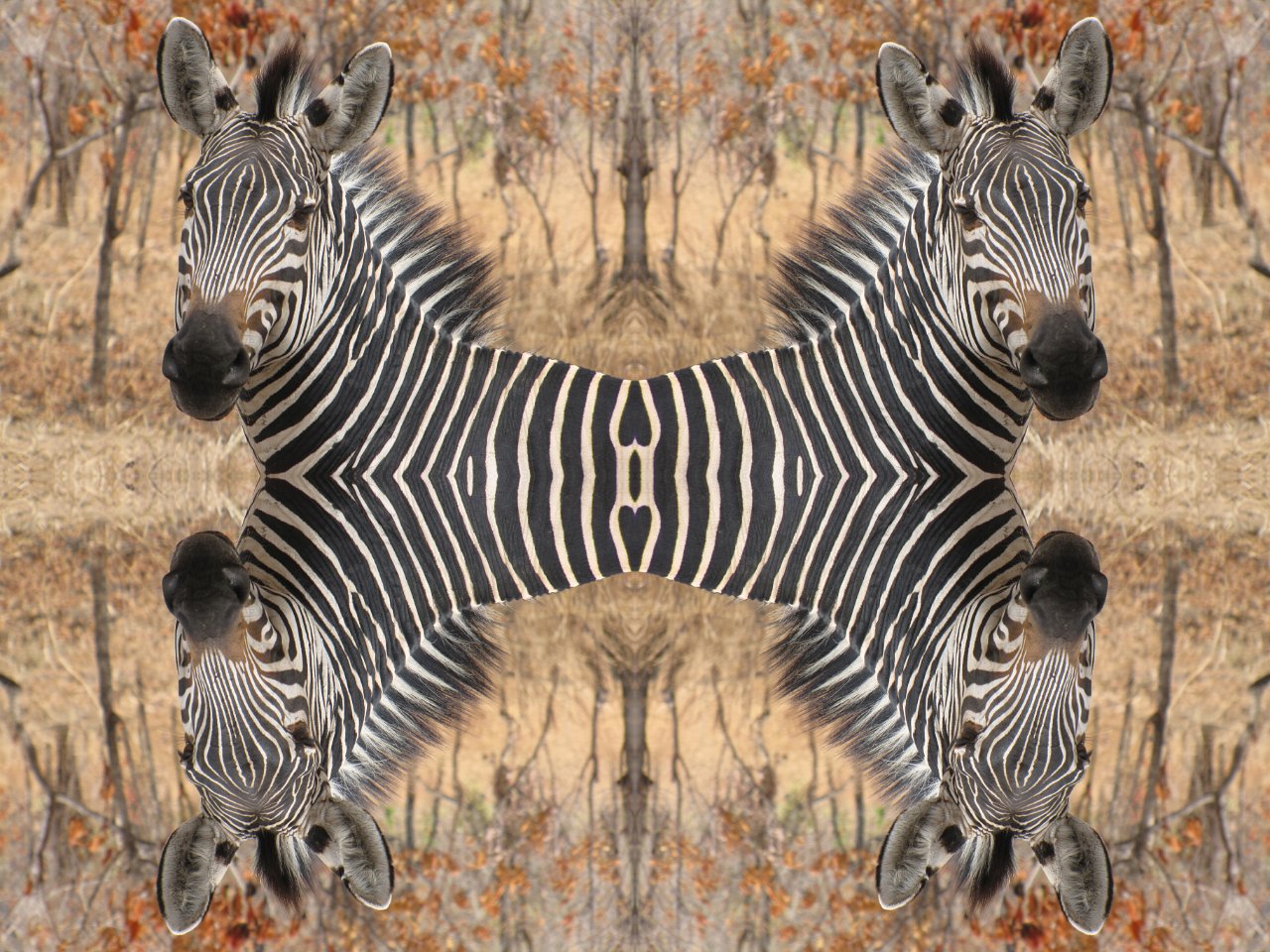
An example photo:
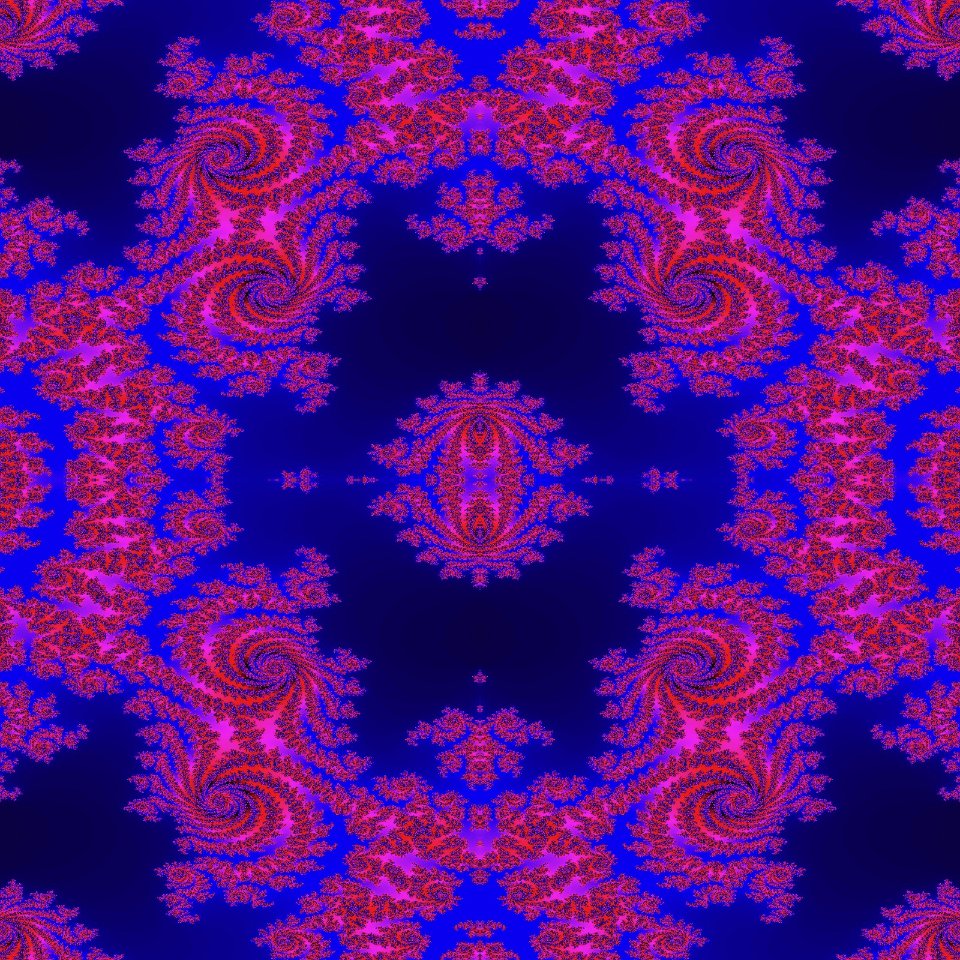
An example fractal: